Three AI Levels
Choose Easy, Normal, or Hard without changing the rules. The difficulty selector makes the computer opponent approachable for casual play while preserving the stronger challenge.
A Haunted Echoes Studios Release
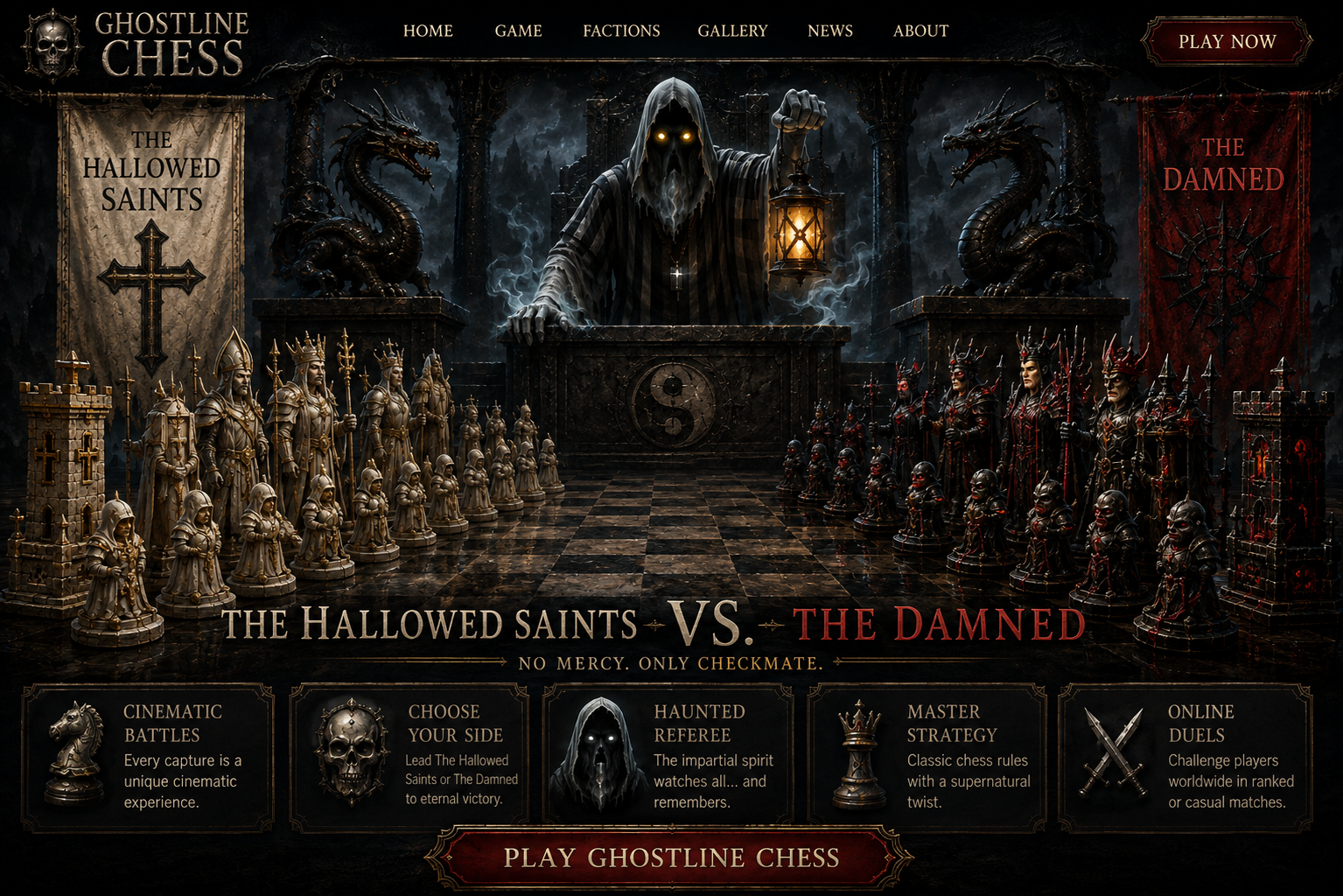
The Hallowed Saints and the Damned battle across a gothic board where every move enters the Tome and every fallen piece enters the Graveyard.
The current development refresh improves readability and control without changing the complete chess engine: three AI difficulty levels, full-square legal-move and capture highlighting, three horror board themes, and a cleaner desktop control layout.
Current Development Refresh
Choose Easy, Normal, or Hard without changing the rules. The difficulty selector makes the computer opponent approachable for casual play while preserving the stronger challenge.
Legal destinations now highlight the entire board square instead of relying on small circular markers. Capture destinations remain visually distinct for faster scanning.
Switch between Oxblood Chapel, Crypt, and Moonlit Graveyard while keeping the board readable and the Haunted Echoes identity intact.
Castling, en passant, all promotion choices, king safety, checkmate, stalemate, insufficient material, repetition, and fifty-move draws remain intact.
Algebraic move history, FEN tools, captured-piece displays, and the Chronicle-style presentation preserve the state and story of every match.
The board and status remain on the left while the Tome, Graveyard, FEN, AI, board theme, and audio controls are organized into one compact right-side command area.
Current Development Build
The cover artwork establishes the Ghostline Chess identity, while this screenshot shows the actual Windows build currently being tested.
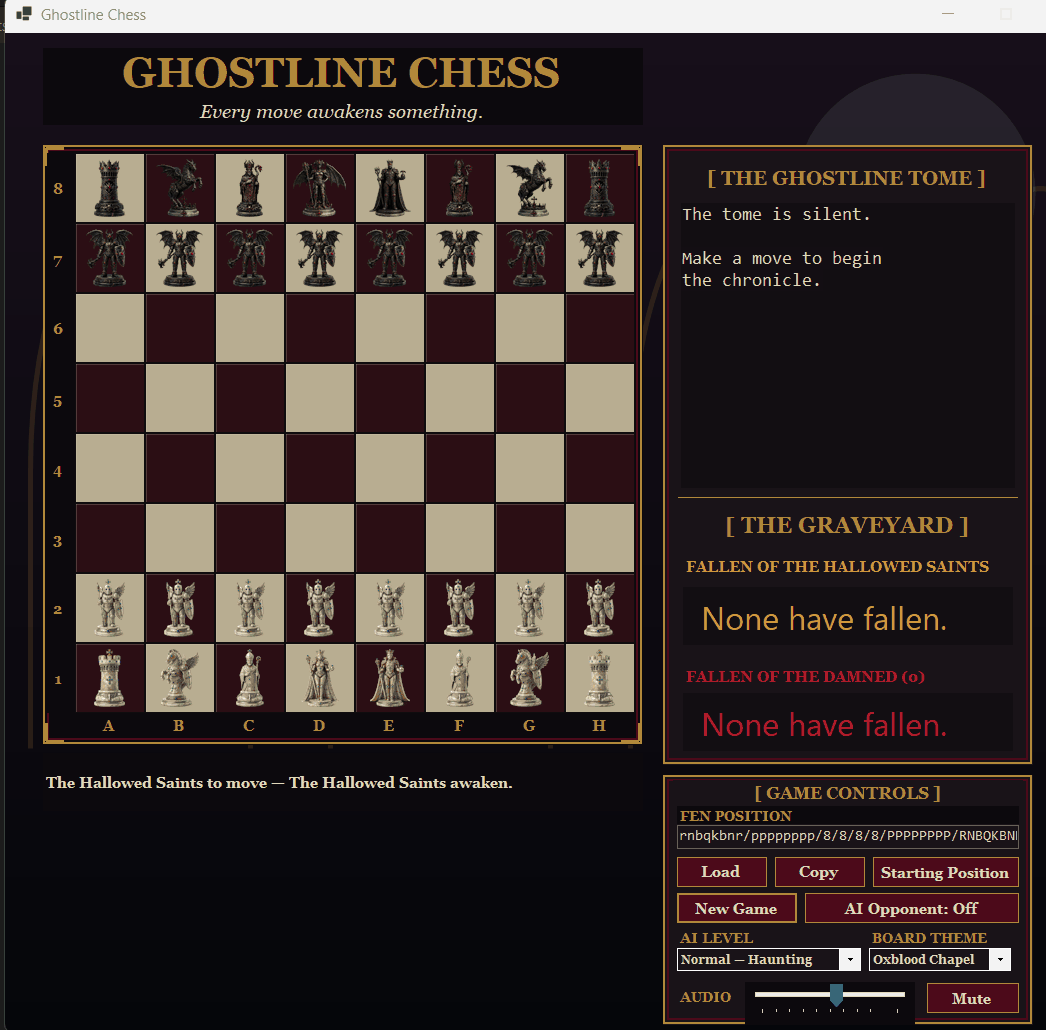
Current development build screenshot. This is the actual playable desktop interface, not concept art.
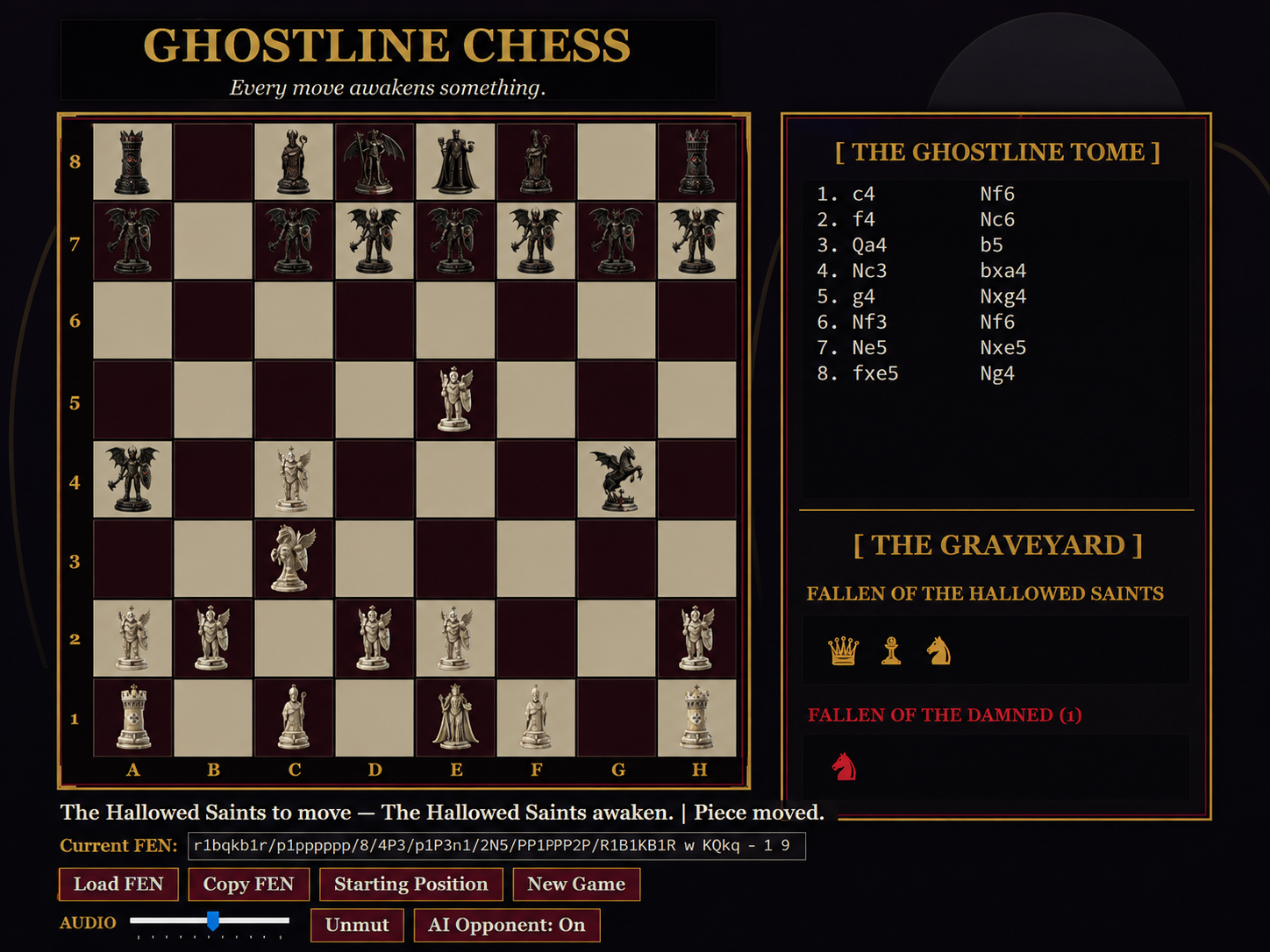
This self-contained Windows x64 prerelease includes the published v1.2.0 tactical AI build. Visual Studio and a separate .NET installation are not required.
Follow the path from the first board prototype through complete rules, faction artwork, audio, tactical AI, difficulty levels, board themes, and the current visual polish pass.
Open the Ghostline Chess Development Log